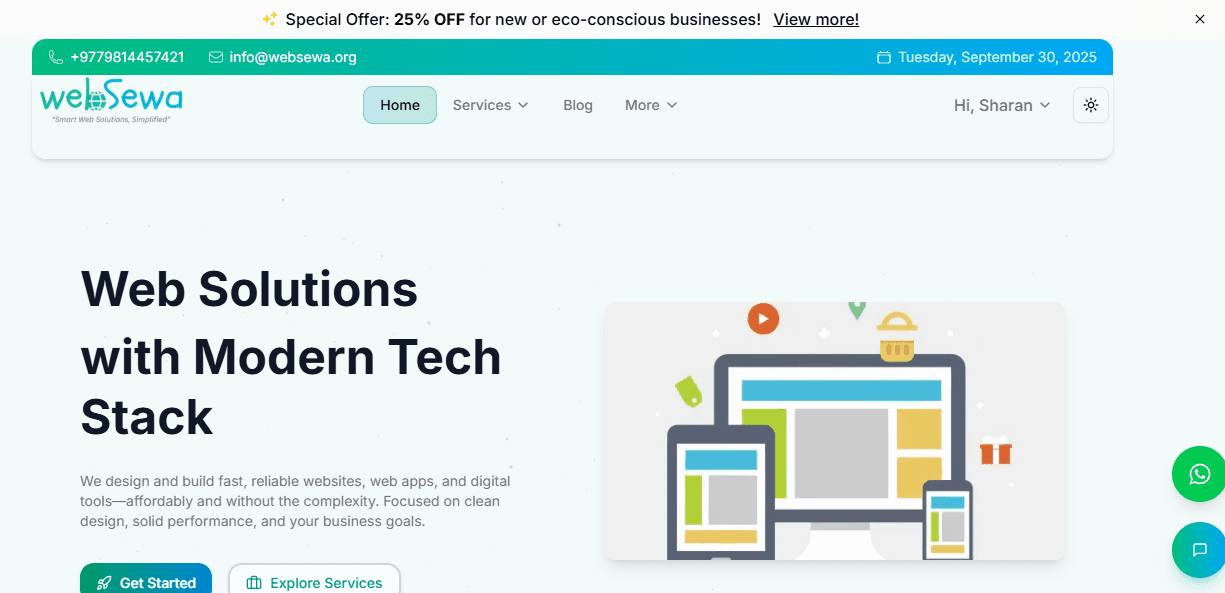
How to Download WebSewa (websewa.org) as a Mobile App
WebSewa — "Smart Web Solutions, Simplified" — is a modern platform for building and accessing fast, reliable websites, web apps, and digital tools. Focused on clean design, performance, and affordability, WebSewa offers digital solutions without the typical complexity. Whether you're a business, organization, or individual, WebSewa helps you bring your ideas online with speed and simplicity.
Best of all, WebSewa is built as a Progressive Web App (PWA)—which means you can install it on your mobile device just like a native app!
📱 What Is WebSewa?
WebSewa provides web solutions using a modern tech stack, including Next.js (App Router), MongoDB, and TailwindCSS/ShadCN UI. The goal is to deliver fast, responsive, and affordable web tools tailored to your needs.
Whether you're browsing the site to explore services or using one of their digital tools, WebSewa makes the experience smooth—thanks to its PWA-based design.
Contact WebSewa
- 🌐 Website: https://websewa.org
- 📧 Email: info@websewa.org
- 📞 Phone: +977 9814457421
✅ What Is a Progressive Web App (PWA)?
A Progressive Web App is a website that behaves like a native mobile app. Once installed, it opens in a full-screen app-like interface, without browser bars or tabs. It can also work offline (depending on the features) and loads much faster after the first visit.
Since WebSewa is a PWA, you can install it on your phone directly from your browser—no need for the App Store or Play Store.
🚀 How to Install WebSewa on Your Mobile
🔹 Android (Using Chrome or Edge)
- Open Chrome (or Edge) on your Android phone.
- Go to https://websewa.org.
- Wait for the site to load fully.
- You’ll see a pop-up saying “Add WebSewa to Home screen” or “Install app”.
- If not, tap the three dots in the top-right corner.
- Tap “Install app” or “Add to Home screen”.
- Confirm by tapping Add.
✅ WebSewa will now appear as an app icon on your home screen.
🔹 iPhone (Using Safari)
- Open Safari on your iPhone.
- Navigate to https://websewa.org.
- Tap the Share button (square with upward arrow).
- Scroll down and select “Add to Home Screen”.
- Tap Add to confirm.
✅ You’ll now find WebSewa on your home screen, just like a native app.
💻 Bonus: Install on Desktop
- Open https://websewa.org in Chrome on your computer.
- Click the install icon (a monitor with a plus or download arrow) in the address bar.
- Click Install.
This allows you to access WebSewa as a standalone app on your desktop.
⚙️ Why Use WebSewa as an App?
- 🚀 Faster access – No typing URLs every time.
- 📱 App-like experience – Fullscreen, smooth navigation.
- ⚡ Lightweight – No large app download required.
- 🧩 Modern tech stack – Powered by Next.js, MongoDB, TailwindCSS, and ShadCN.
- 💡 Affordable & performance-focused solutions – Ideal for businesses and individuals.
📝 Final Thoughts
WebSewa isn't just a website—it's a fast, reliable, installable Progressive Web App built with modern technologies to help you stay connected and productive.
Installing WebSewa as a mobile app puts its powerful tools and services right at your fingertips, with the speed and simplicity you expect from a native app—without needing to visit the App Store or Play Store.
👉 Try it now at https://websewa.org